Simulation
Overview
You can launch Gazebo and RViz individually, or launch RViz together with the physical hardware.
1. Prepare the Open Manipulator Docker Container
Refer to the Setup Guide to configure the ROBOTIS Hand Docker Container environment.
2. Enable GUI Access
Open a new terminal and run the following command:
xhost +3. Access the Running Container
./docker/container.sh enter4. Launch Gazebo
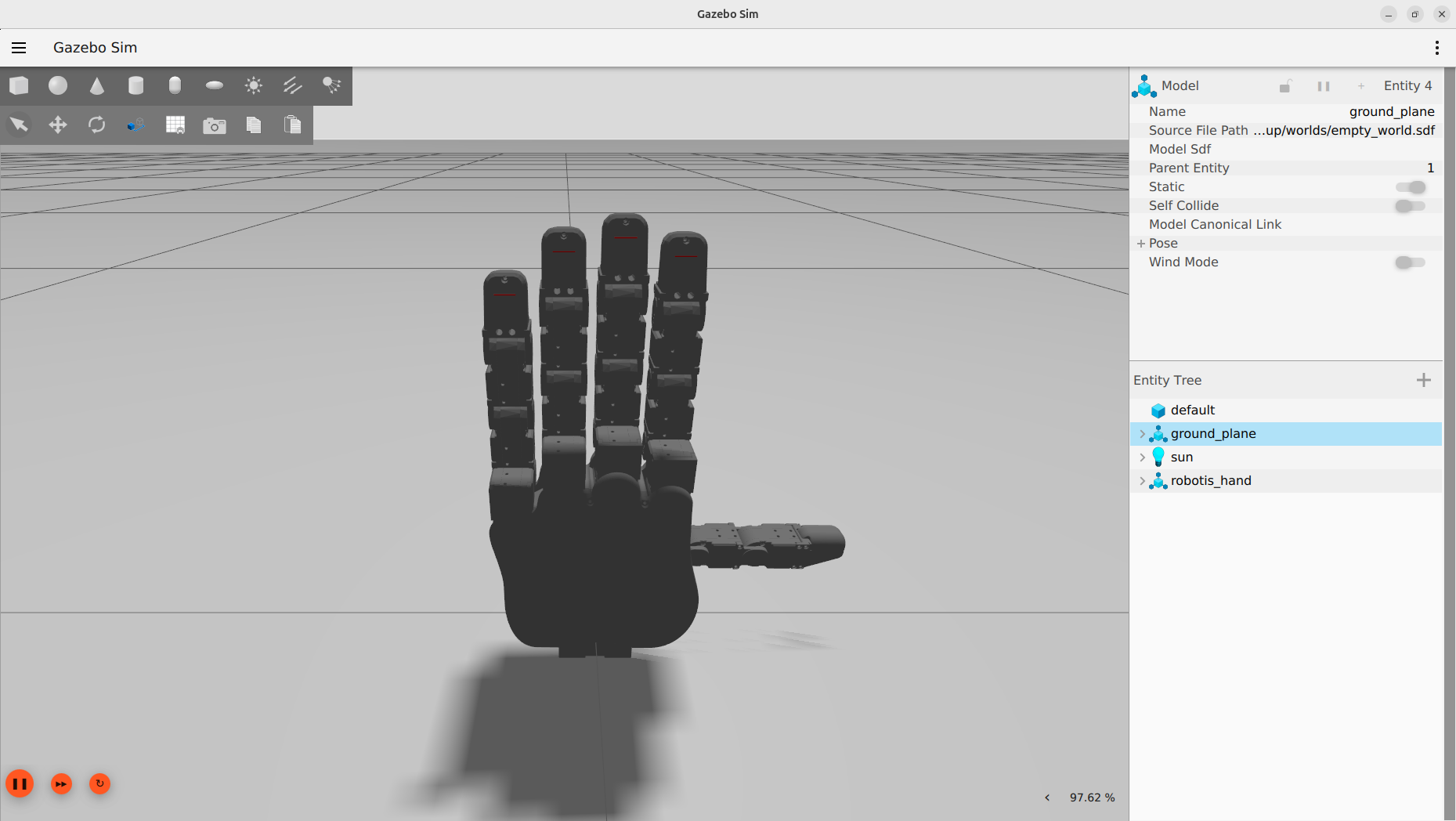
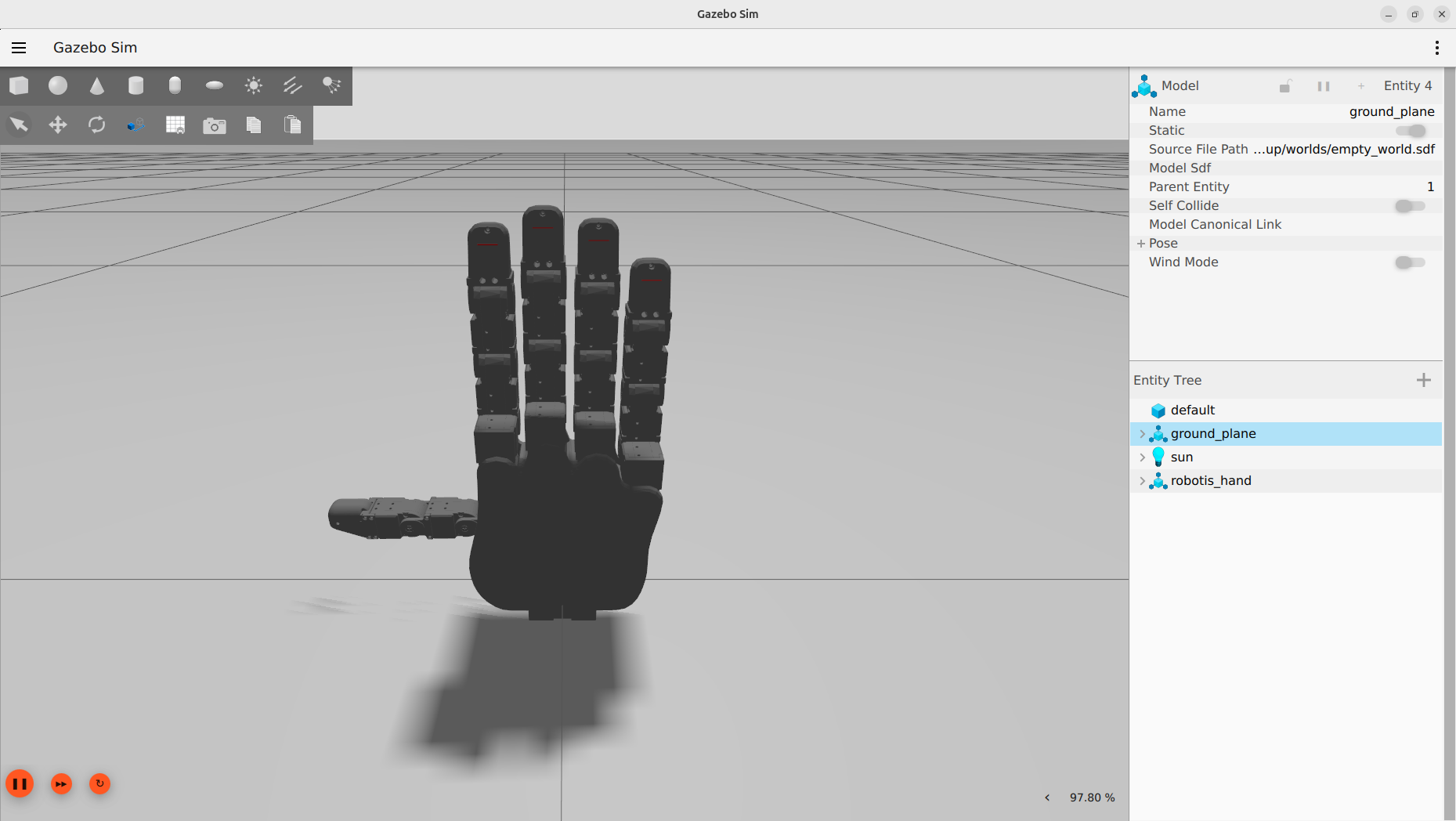
Launch Gazebo simulation:
bash# For the left hand ros2 launch robotis_hand_bringup hx5_d20_left_gazebo.launch.py # For the right hand ros2 launch robotis_hand_bringup hx5_d20_right_gazebo.launch.pyView model in RViz only: Use this command when you want to visualize the robot model in RViz without running a full simulation or the physical hardware.
bash# For the left hand ros2 launch robotis_hand_description hx5_d20_left.launch.py # For the right hand ros2 launch robotis_hand_description hx5_d20_right.launch.pyLaunch RViz with physical hardware: Use this command when you want to operate the physical ROBOTIS Hand hardware and monitor its status in RViz. This command will launch RViz alongside the hardware interface.
bash# For the left hand ros2 launch robotis_hand_bringup hx5_d20_left.launch.py start_rviz:=true # For the right hand ros2 launch robotis_hand_bringup hx5_d20_right.launch.py start_rviz:=true- Note: This command is the same as the
visualizationlaunch command in theOperation Guide.
- Note: This command is the same as the
Simulation Views
Launch Moveit
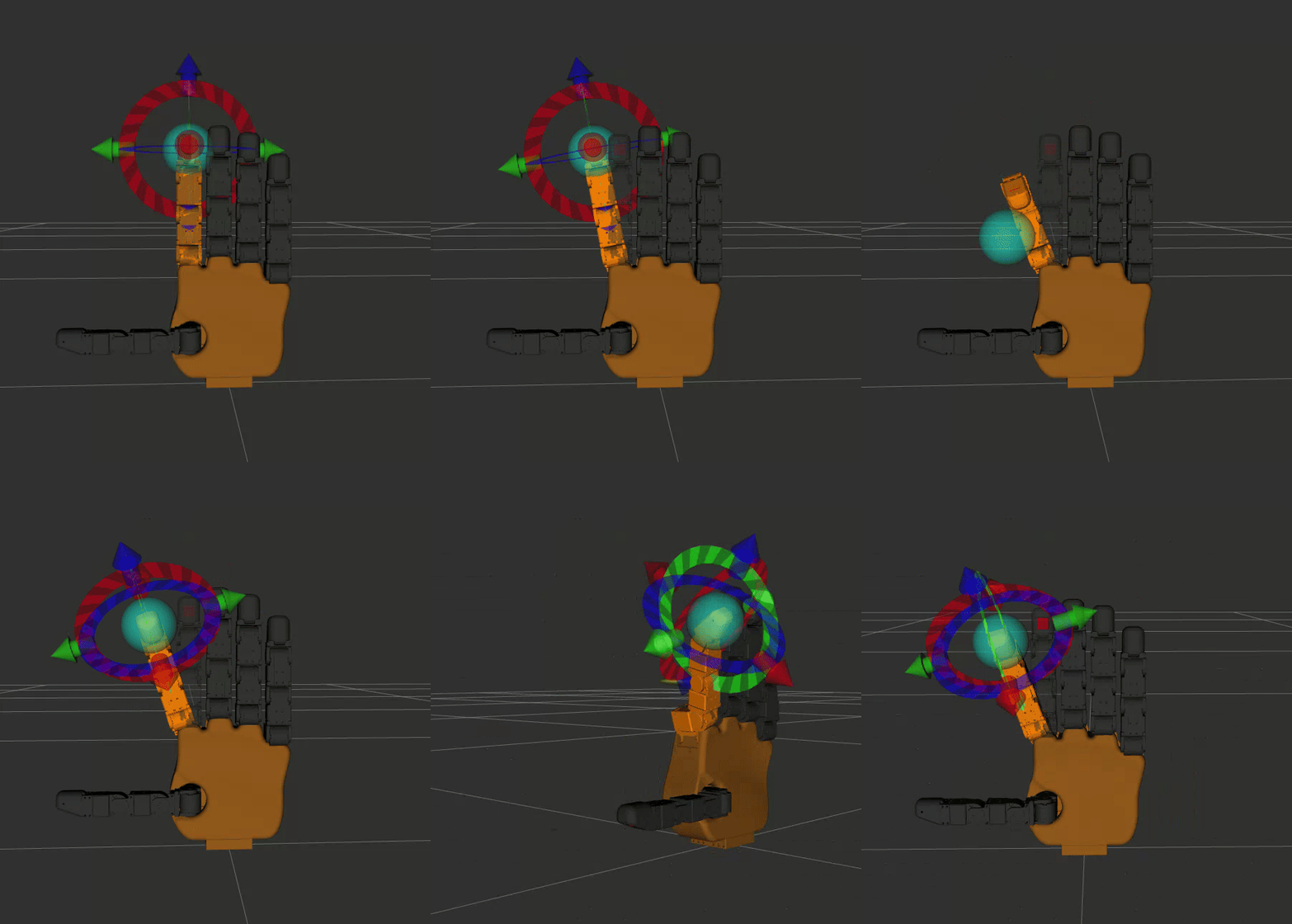
Launch Moveit: You can use the following command to launch Moveit for ROBOTIS Hand:
bash# For the left hand ros2 launch robotis_hand_moveit_config hx5_d20_left_moveit.launch.py # For the right hand ros2 launch robotis_hand_moveit_config hx5_d20_right_moveit.launch.pyIf you are using Gazebo, you should add the argument
use_sim:=true:bash# For the left hand ros2 launch robotis_hand_moveit_config hx5_d20_left_moveit.launch.py use_sim:=true # For the right hand ros2 launch robotis_hand_moveit_config hx5_d20_right_moveit.launch.py use_sim:=true