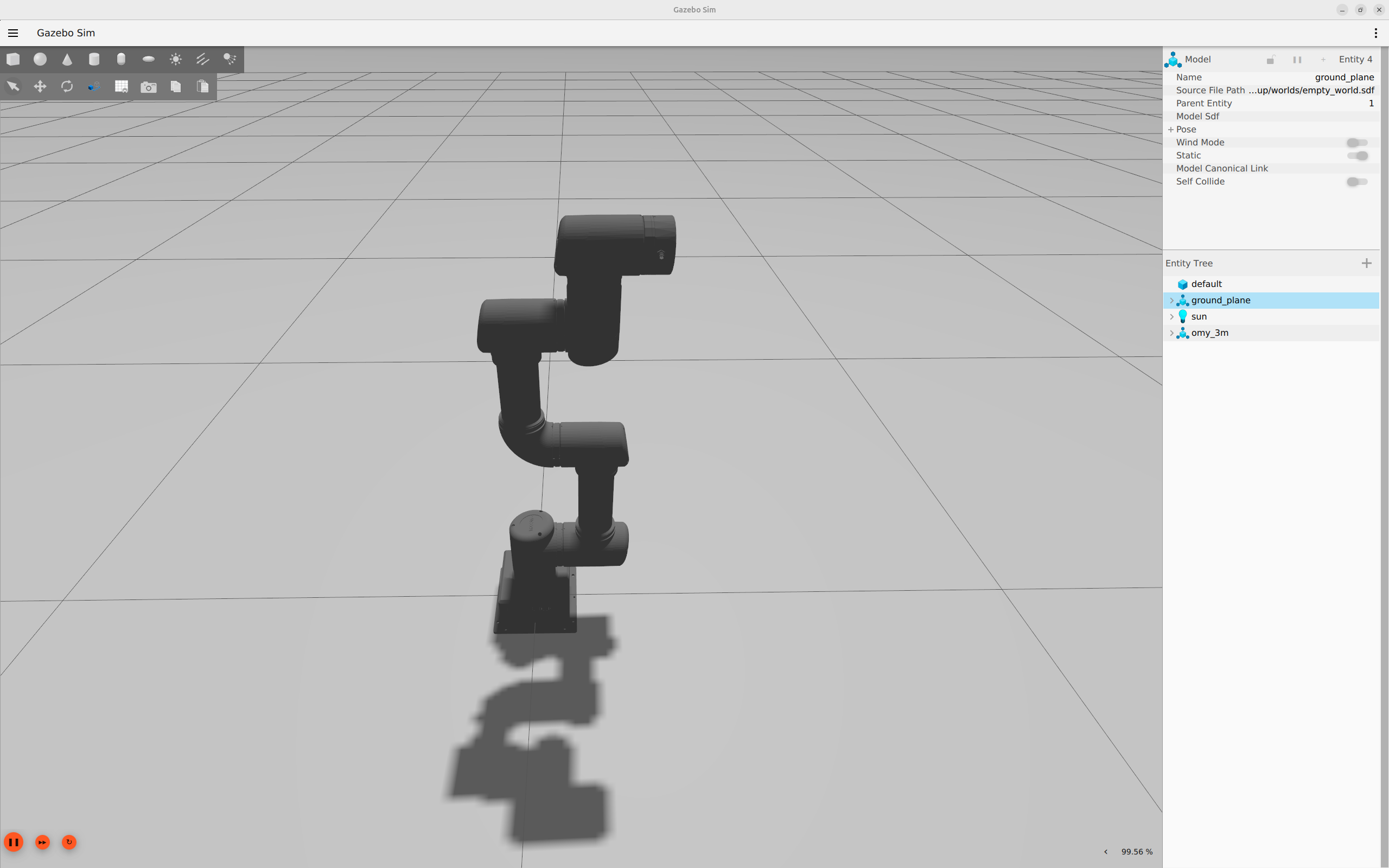
Getting Started with Gazebo
INFO
It is recommended to run this on a PC other than the OMY device.
Overview
You can launch Gazebo and RViz individually, or launch RViz together with the physical hardware.
1. Prepare the Open Manipulator Docker Container
Refer to the Setup Guide to configure the Open Manipulator Docker Container environment.
2. Enable GUI Access
Open a new terminal and run the following command:
bash
xhost +3. Access the Running Container
bash
./docker/container.sh enter4. Launch Gazebo
Launch the simulation environment using:
bash
ros2 launch open_manipulator_bringup omy_f3m_gazebo.launch.py5. Run MoveIt and GUI in Simulation
Refer to the Operation page to control the robot within the Gazebo environment.
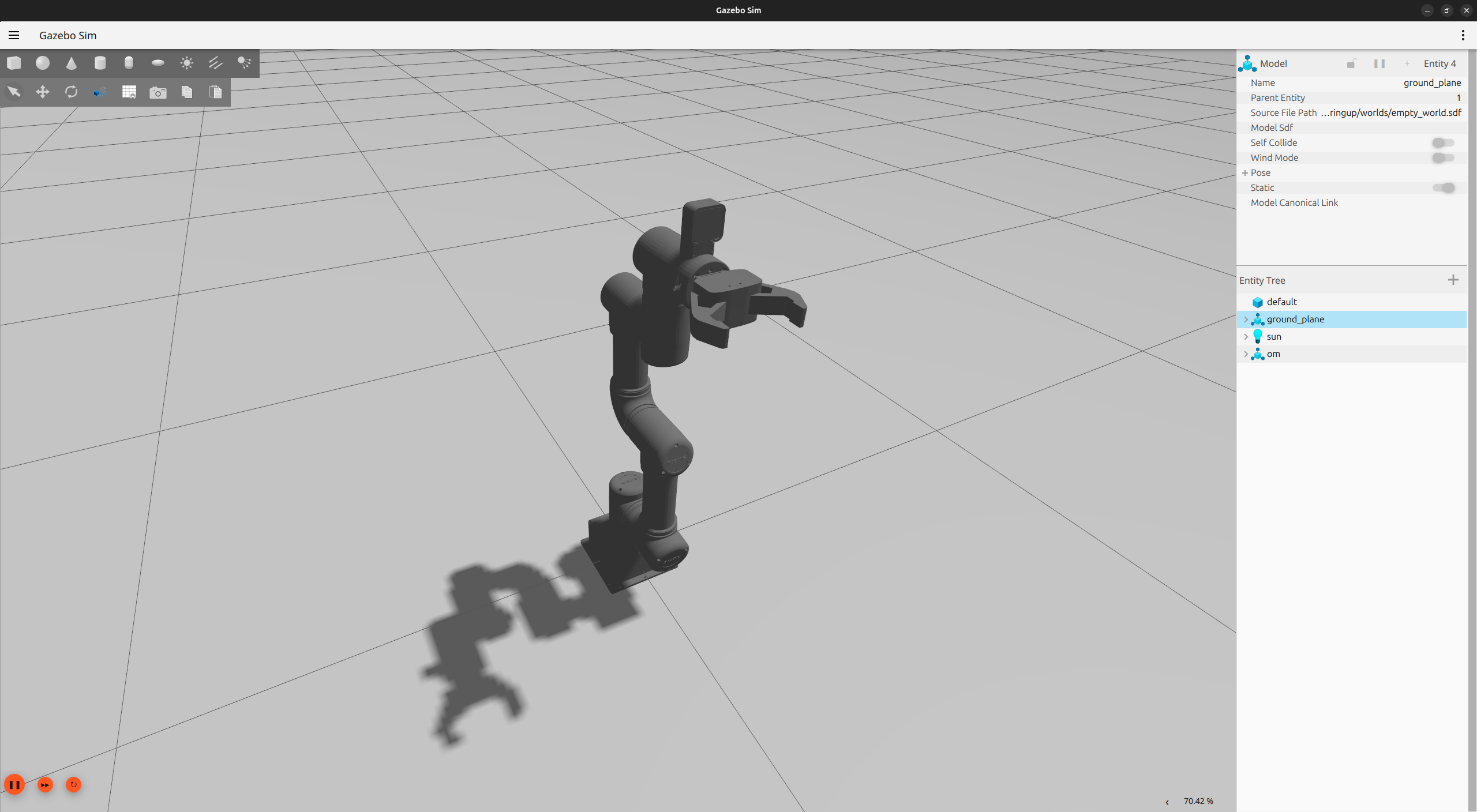
Simulation Views
OMY_F3M
OMY_3M